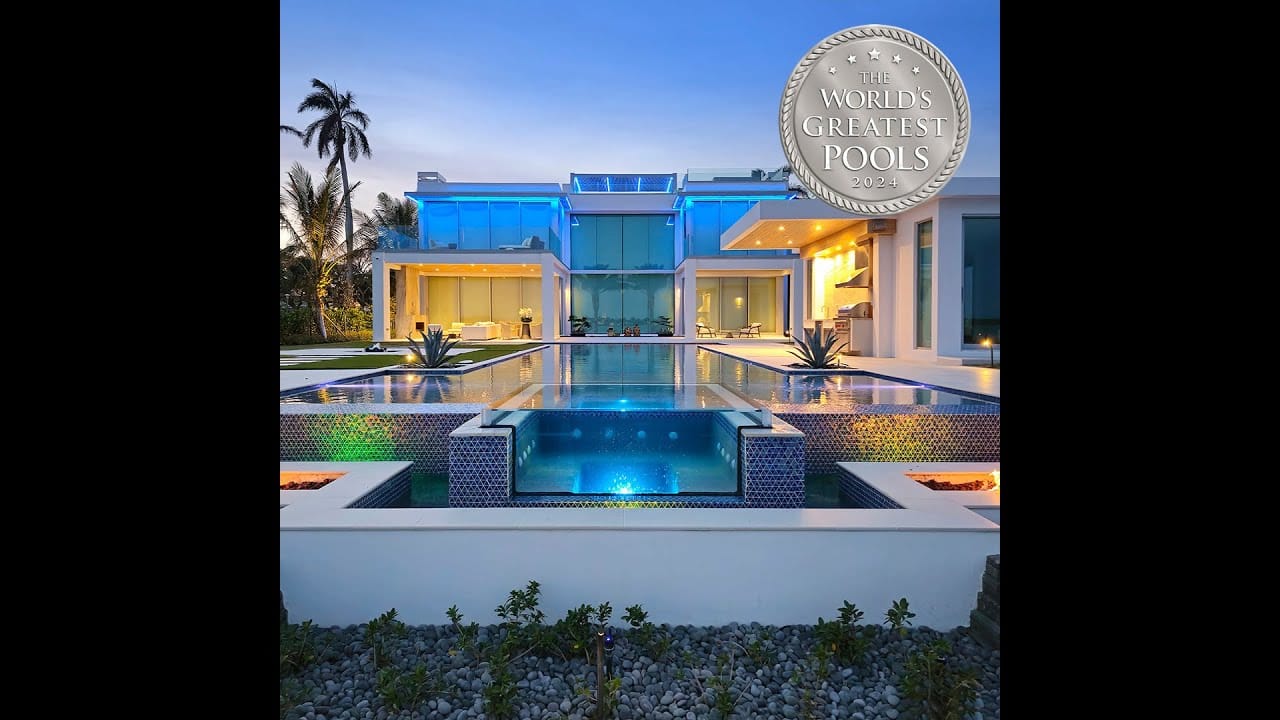
Pool automation can make everyday controls easier to use, from selecting a pool or spa mode to managing compatible equipment through an app. The right setup begins with your actual equipment and the functions you want. A controller’s name alone does not tell you what your finished installation will do.
Start With the Functions You Want to Control
Tell us which tasks are inconvenient today. Do you want easier pump scheduling, pool and spa controls, temperature settings, lighting, or water-feature operation? Rank your priorities before comparing controllers. Our pool automation services can help connect those goals to an equipment review.
Compare the Complete Installed System
- Equipment compatibility: identify the manufacturer and exact model of each pump, heater, sanitizer, light, and existing controller.
- Included functions: ask which devices will be controlled and which will remain separate.
- Hardware and accessories: confirm the components, sensors, communication accessories, and installation work included in the proposal.
- Everyday access: review the app, local controls, account access, and how family or service-provider access is handled.
- Connectivity: ask which functions depend on internet access and what to expect if the connection is interrupted.
- Future plans: mention a proposed heater, lighting change, spa, or renovation before selecting the system.
Poolside Tech and Other Automation Options
Poolside Tech The Attendant is one option to discuss. Poolside Tech publishes equipment compatibility information and directs homeowners to professional installation. Review the manufacturer’s product and compatibility resources alongside your equipment inventory.
Pentair’s IntelliCenter is another system with app-based control for compatible equipment. Its official product information is a starting point for discussing the appropriate configuration. Brand labels do not replace a model-by-model review.
Separate Equipment Control From Water Chemistry
Ask exactly what the proposed setup includes. App controls, temperature sensing, water chemistry monitoring, and chemical dosing are different functions. Do not assume every controller includes chemistry probes, dosing equipment, or every accessory shown in promotional material. Discuss testing, maintenance, and service responsibilities for the system you select.
What to Send for an Automation Quote
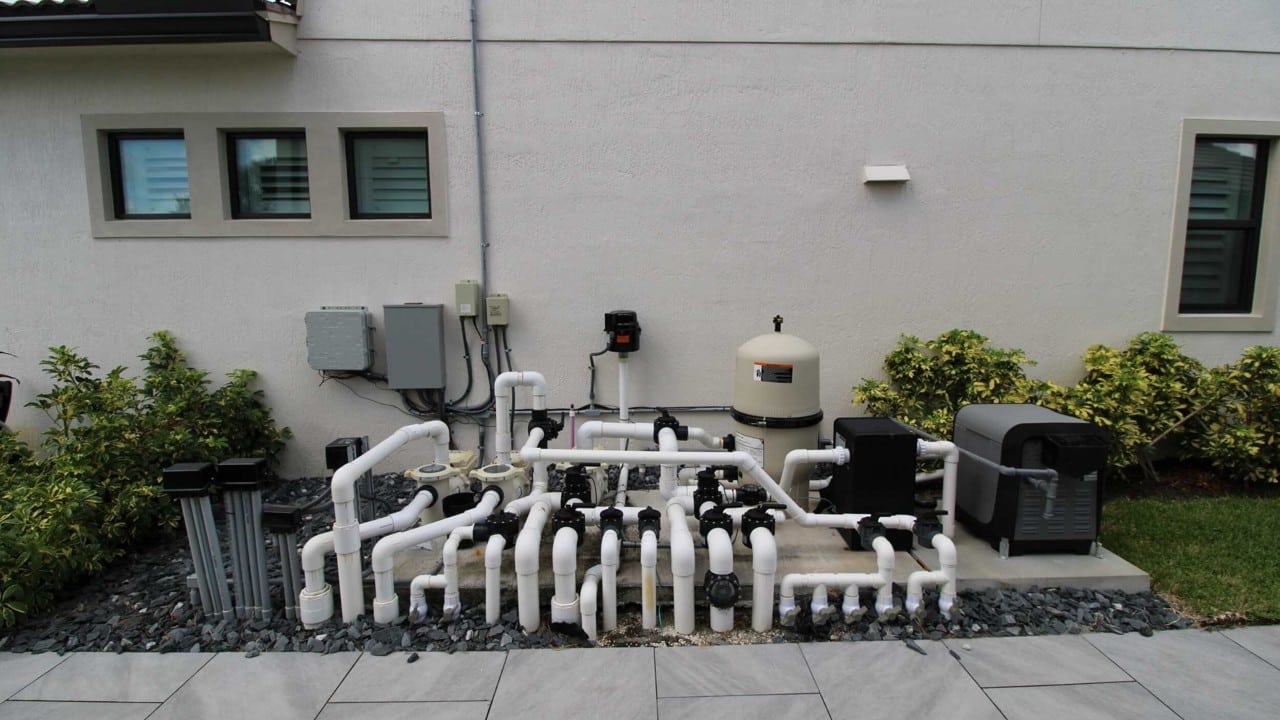
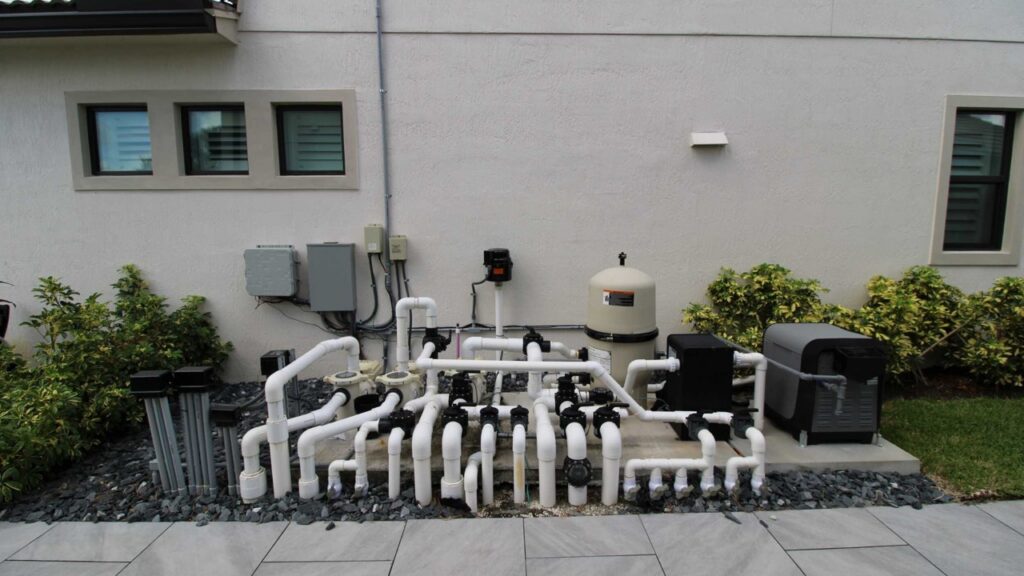
Send clear photos of the equipment pad, readable model labels, your existing controller, and any error messages. Include your location, the controls you want to improve, and any planned replacements. Photograph accessible labels without opening electrical enclosures.
Read our pump and heater automation planning guide for a more focused upgrade checklist. If equipment is failing, start with equipment repair and replacement so the proposed controls address the underlying condition.
Questions to Ask Before Ordering
Can I keep my existing equipment?
Some projects may retain compatible equipment. Ask which components can remain, which need replacement, and why. The answer depends on the exact models and the functions you want.
Will automation reduce my bill?
Ask how your current equipment, settings, and usage compare with the proposed configuration. Avoid treating a generic savings percentage as a forecast for your pool. Any estimate should state the assumptions used.
Does automation replace pool service?
Discuss the ongoing cleaning, water testing, equipment checks, and maintenance your installation needs. Easier controls do not mean every pool-care task is included or automated.
Discuss Your Upgrade With Innovative Outdoor Living
Our team helps homeowners in Jupiter, Palm Beach Gardens, Tequesta, North Palm Beach, and nearby communities plan equipment and automation upgrades. Start with photos of your equipment pad and your goals for the pool.
Visit our 7,000 sq ft Jupiter showroom at 14701 Walgreens Dr, Unit A, Jupiter, FL 33478. We are open Monday, Friday 9 AM, 5 PM and Saturday 10 AM, 3 PM. Call ahead to discuss the equipment or control options you want to review.
Request an equipment or automation quote · Call 561-594-1495 · Get showroom directions