If managing your pool pump and heater means visiting the equipment pad for every change, an automation upgrade may make the controls easier to use. Start by reviewing the existing pump, heater, and controller together. The goal is a coordinated system suited to your pool and the way you use it.
Define the Problem Before Choosing a Controller
Tell us whether you want easier scheduling, remote temperature controls, pool and spa modes, or a replacement for an aging controller. If the pump or heater is malfunctioning, request an equipment assessment first. Adding app access does not resolve a mechanical problem.
Gather Your Equipment Information
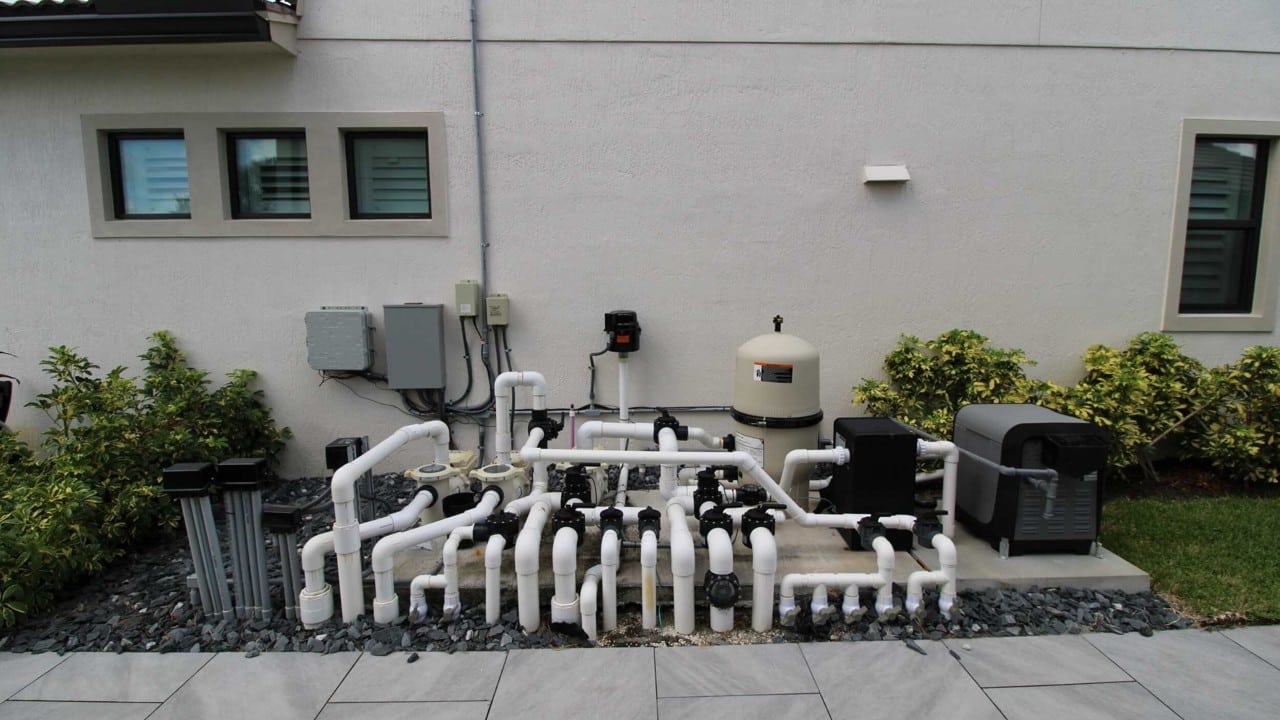
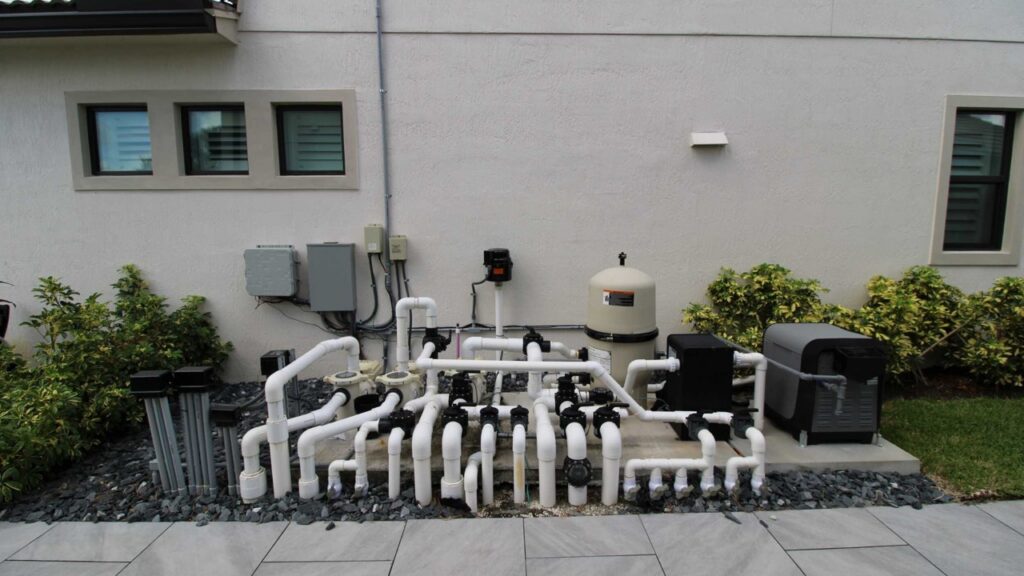
- Photographs of the full equipment pad and accessible model labels.
- The manufacturer and model of the pump, heater, and existing controller.
- Whether the pool and spa share equipment.
- Any existing app, wall control, schedules, or error messages.
- Your heating goals and how often you use the pool or spa.
- Planned replacements, lighting changes, or remodeling work.
You do not need to identify wiring or open electrical enclosures to request a quote. Leave installation and electrical work to appropriately qualified professionals.
Review the Pump and Heater as One System
Ask the installer to review equipment compatibility, required operating conditions, and the controls needed for your installation. The proposal should explain how the pump and heater will work together and which functions you can adjust. Keep the equipment’s protective functions and manufacturer requirements part of that review.
Pentair’s pump programming guidance directs owners to a pool professional for suitable speeds or flows and correct installation. Poolside Tech likewise specifies professional installation for The Attendant in its homeowner information. Discuss the exact equipment manuals with your installer.
Compare an Upgrade With a Replacement
A proposal may retain compatible equipment, replace an older controller, or coordinate a pump or heater replacement with new controls. Ask for an explanation of each option and the parts, labor, configuration, and owner training included. A controller-only price is not a complete installed-project quote.
Explore our automation services and Poolside Tech options. Our smart pool control buying guide covers questions to ask when comparing systems.
Agree on the Handover Before Installation
- Demonstration: review the controls and functions included in your setup.
- Settings: ask the installer to explain the agreed schedules, temperature controls, and equipment operating requirements.
- Connectivity: confirm account access and which features depend on internet service.
- Support: identify who to contact for equipment faults, app questions, and future changes.
- Documentation: keep the installed model information, manuals, and warranty documents.
Frequently Asked Upgrade Questions
Can an older pump or heater be automated?
It requires a model-specific review. Ask which functions are supported, what additional components are needed, and whether retaining the equipment makes sense for your goals.
What happens if Wi-Fi stops working?
Ask about the selected controller’s local operation and remote-access requirements. Confirm the behavior of your installed configuration instead of assuming all systems handle connection loss the same way.
How much will the upgrade cost?
Request a written scope covering the controller, accessories, equipment changes, installation, configuration, and training. Existing equipment and the functions you want determine the appropriate proposal.
Discuss Your Upgrade With Innovative Outdoor Living
Our team helps homeowners in Jupiter, Palm Beach Gardens, Tequesta, North Palm Beach, and nearby communities plan equipment and automation upgrades. Start with photos of your equipment pad and your goals for the pool.
Visit our 7,000 sq ft Jupiter showroom at 14701 Walgreens Dr, Unit A, Jupiter, FL 33478. We are open Monday, Friday 9 AM, 5 PM and Saturday 10 AM, 3 PM. Call ahead to discuss the equipment or control options you want to review.
Request an equipment or automation quote · Call 561-594-1495 · Get showroom directions