To set up phone-controlled pool lights, you’ll first download the manufacturer’s app and create an account. Connect your phone, app, and light controller to the same 2.4 GHz Wi-Fi network. Before wiring, verify electrical safety, label the breaker, confirm power with a multimeter, and check GFCI protection. Install any required Wi-Fi hub, power on the controller, then tap add-device and activate pairing mode. There’s more you’ll want to know before starting.
Key Takeaways
- Download the manufacturer-compatible app, create an account, and connect your phone to a 2.4 GHz Wi-Fi network before pairing.
- Verify electrical safety by labeling the breaker, testing power with a multimeter, and confirming GFCI protection and grounding.
- Install any required Wi-Fi switch, hub, or controller between the power source and pool light, then confirm power-on status.
- Tap add-device or the plus icon, then activate pairing mode using a power-cycle sequence or button combination.
- Control color, brightness, and effects from the app, set automatic schedules, and group multiple lights for synchronized changes.
How do you set up phone-controlled pool lights
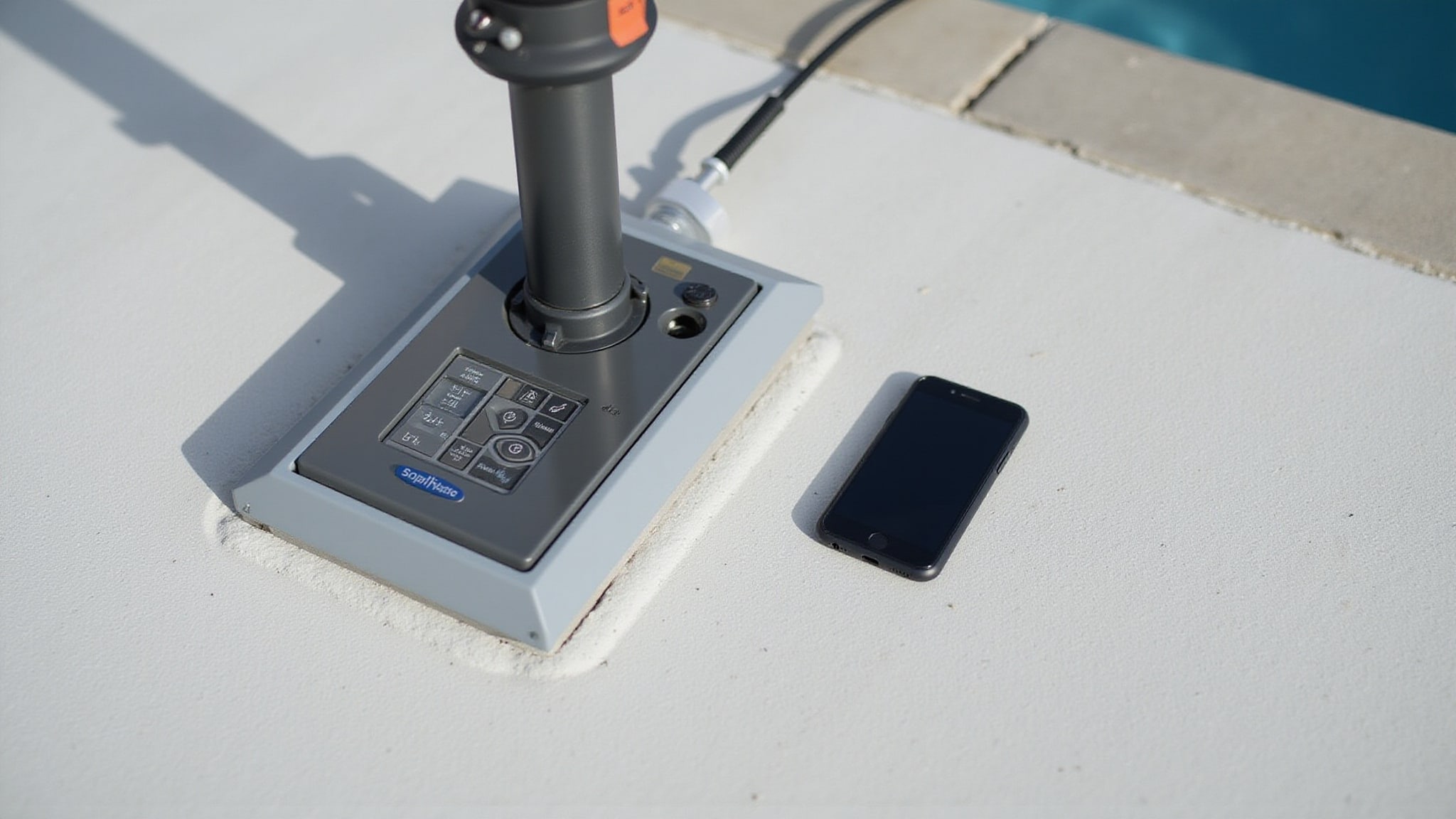
Set up phone-controlled pool lights with a mobile app that acts as your control interface for pairing, color changes, brightness, and scheduling. Download the manufacturer-compatible app from the App Store or Google Play, then create an account before adding your device. Most app-controlled pool lights require a 2.4 GHz Wi-Fi network, so connect your phone, app, and controller to the same network. Tap the add-device or plus button, put the light into pairing mode through a power-cycle sequence, and let automatic discovery find it. Enter your Wi-Fi password when prompted. For smart pool lighting with multiple zones, sync each unit to a central hub. Confirmation appears when the app shows devices as connected, completing your pool light automation and enabling scheduling and grouped control. Automating pool equipment for convenience enhances your overall pool experience. With the right setup, you can easily manage not just the lighting but also temperature control and filtration systems.
What are phone-controlled pool lights
Phone-controlled pool lights are smart lighting systems you manage through a mobile app that serves as the central control interface for pairing, color changes, brightness, and scheduling. Instead of physical switches or dedicated remotes, you’ll rely on your smartphone to send commands over a Wi-Fi connection, typically a 2.4 GHz network shared by your phone, app, and light controller.
Smart pool lights connect through a manufacturer-compatible app, and many require creating an account before you add the device. Some systems integrate a Wi-Fi switch, hub, or controller, like IAquaLink or ConnectMyPool, between the power source and the light hardware to handle communication. Watersaving features of smart systems can significantly reduce water usage while maintaining pool cleanliness. These innovations often include automatic adjustments based on weather conditions, ensuring efficiency without sacrificing performance.
Phone-controlled pool lights let you adjust colors, brightness, and effects, group multiple lights into synchronized zones, and schedule automatic on/off cycles remotely.
What equipment do you need for phone-controlled lighting
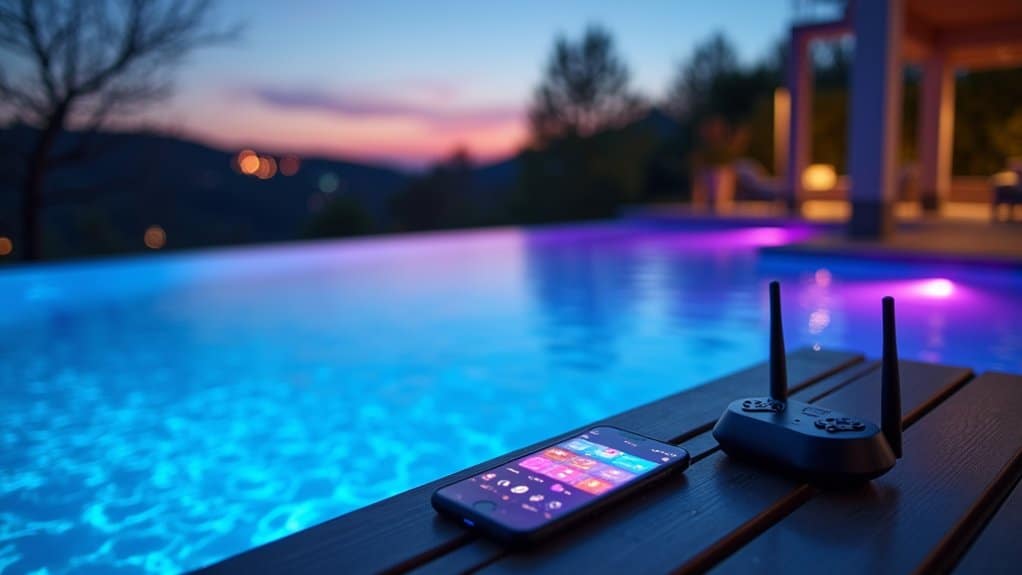
Phone-controlled lighting requires a compatible smartphone, a manufacturer-approved app, and a 2.4 GHz Wi-Fi network. Most systems also require a Wi-Fi switch, hub, or controller installed between the power source and the pool light. Branded platforms like IAquaLink or ConnectMyPool integrate their own controllers.
| Equipment | Purpose |
|---|---|
| Smartphone + app | Control interface for pairing and settings |
| 2.4 GHz Wi-Fi network | Connectivity for pairing and operation |
| Wi-Fi switch/hub/controller | Links light hardware to your network |
| Central control hub | Manages zones and grouped commands |
| Voltage tester/multimeter | Confirms power status before wiring |
Confirm the controller’s powered on, then verify router access before proceeding with app-based device discovery.
How do you install and connect phone-controlled pool lights
Install and connect phone-controlled pool lights by first verifying electrical safety at the pool-light circuit. Check and label the breaker, then use a voltage tester or multimeter to confirm the power status. Inspect the wiring for damage, loose connections, and exposed conductors, and confirm GFCI protection and grounding.
Next, install any required Wi-Fi switch, hub, or controller between the power source and light, and confirm it’s powered on. Download the manufacturer’s app, create an account, and connect your phone to a 2.4 GHz network.
Tap the add-device button, then put the light into pairing mode using a power-cycle sequence or button combination. Enter your Wi-Fi password after discovery. If you’re syncing a remote to the RGB controller, do that first, then confirm the app shows everything connected.
How do you use the app to control your lights
Manage your lights entirely from the device entry in the app. Tap the entry to open its control panel, where you’ll adjust color, brightness, and effects. Select a color from the palette or effect mode, then use the brightness slider to set intensity. To automate operation, open the scheduling menu and set on/off times or scene changes. If you’re running multiple lights under one entry, changes apply to the whole group, keeping them synchronized. You can also link the system to Alexa or Google Assistant through the app’s integration settings for voice commands. If a light falls out of sync, check its signal strength, then re-pair it from the same device entry.
What features and effects can you control
Your app controls color, effects, brightness, and scheduling for your paired and synchronized lights. The app becomes your central interface for adjusting output and behavior. You’ll manage core lighting parameters directly, tuning the environment without touching the hardware.
The primary controls include:
- Color and effects, cycle through RGB colors, preset scenes, and dynamic effects for different moods
- Brightness, increase or decrease intensity to match ambient conditions
- Scheduling, set automatic on/off times and scene sequences for hands-free operation
Beyond individual adjustments, you can group multiple lights under one device entry, keeping them synchronized under shared commands. This centralizes remote management across zones. If lights fall out of sync, you’ll re-pair or reposition the hub to restore consistent, coordinated performance.
How do you choose phone-controlled pool lights
Choose phone-controlled pool lights by matching the system to your network and hardware constraints. First, confirm the light supports 2.4 GHz Wi-Fi, since many controllers won’t pair on 5 GHz networks. Next, check whether the system needs a separate Wi-Fi switch, hub, or controller between the power source and the light hardware, and verify it fits your existing wiring. If you’re working with equipment-specific platforms like IAquaLink or ConnectMyPool, choose lights compatible with those controllers. For multi-light setups, prioritize systems offering a central hub that manages zones and grouped commands. Verify app availability on your phone’s operating system and confirm voice-assistant integration if you want Alexa or Google Assistant control. Finally, assess signal coverage, since weak wireless strength degrades synchronization and response.
Conclusion
Setting up phone-controlled pool lights is genuinely straightforward: pair the fixtures to a 2.4 GHz network, link the app, and from there color, brightness, scenes, and schedules are all a tap away. The main things to get right are solid Wi-Fi coverage and safe, GFCI-protected wiring. Innovative Outdoor Living installs smart, app-controlled pool lighting and wires it safely, so a pool shifts from everyday to spectacular with a single tap on a phone.
Automate Your Backyard the Smart Way
Smart pool systems transform how you enjoy your backyard, giving you full control right from your phone. At Innovative Outdoor Living in Palm Beach Gardens, FL, our experienced team provides trusted Smart Backyard Pool Control Systems with expert setup and premium technology. Call +1 (561) 594-1495 today and start your smart backyard project.
Frequently Asked Questions
Can Phone-Controlled Pool Lights Work Without an Internet Connection?
It depends on the system’s design. Many setups require a 2.4 GHz Wi-Fi network for pairing and operation, with the phone, app, and controller on the same network. Systems that rely on cloud accounts and voice-assistant integrations lose remote management without internet. Where the controller supports local network control, though, color, brightness, and scheduling can still be adjusted on-site without an active internet connection.
Are Smart Pool Lights Safe to Use in Saltwater Pools?
Yes, when installed and maintained correctly. Confirming GFCI protection and proper grounding matters, since saltwater’s higher conductivity raises electrical risk. Inspecting the light wiring for damage, loose connections, or exposed conductors, and verifying the breaker is correctly labeled, keeps things safe. Because the work is electrical and around water, having a licensed pro handle the installation is the safest route.
What Happens to My Lights if the App Service Shuts Down?
If the app service shuts down, the remote management, scheduling, and color or brightness control that route through the manufacturer’s platform would likely stop. The lights themselves keep working on the pool-light circuit, so they can still be powered from the breaker or a physical controller. Local control may remain if the system supports it, but voice-assistant integrations and app-based syncing typically stop without the backend running.
How Long Do Phone-Controlled Pool Lights Typically Last?
Quality LED pool lights generally last a long time, often 20,000 to 50,000 hours of use, which can translate to many years before the fixture needs replacing. The smart controller or app hardware may age sooner than the light itself. Proper installation extends the life: a correctly labeled breaker, verified power, sound wiring, and GFCI protection and grounding all help. Keeping the fixtures sealed and the connections clean is what keeps them lasting.
Can I Control My Pool Lights When Away From Home?
Yes, as long as the controller stays connected to the home’s 2.4 GHz Wi-Fi with adequate signal. Through the manufacturer-compatible app, color, brightness, effects, and scheduling can be managed from anywhere with internet access, and compatible assistants like Alexa or Google Assistant add voice control. If lights fall out of sync, checking Wi-Fi coverage, re-pairing the affected devices, or repositioning the hub usually restores them.