You can voice-control your backyard lights, speakers, and security devices through Alexa, Google Home, or Apple HomeKit, but your choice depends on your existing hardware stack. Alexa offers the broadest cross-brand compatibility, Google Home suits Android-centric setups, and HomeKit delivers tight ecosystem control via Siri. Register each device in your platform’s app, create scenes for multi-device commands, and use weatherproof housings for outdoor outlets. Below, you’ll find the exact setup steps and automations to get everything running.
Pick the Right Voice Assistant for Your Backyard
When you’re setting up voice control for your backyard, the assistant you choose determines which devices you can integrate and how reliably they’ll respond. Alexa offers the broadest device compatibility across mixed-brand setups, making alexa pool control straightforward with most major equipment manufacturers. Google Home outdoor integration works well for Android-centric households already using Google services. Apple HomeKit delivers the tightest ecosystem control for Siri-based commands but requires HomeKit-compatible accessories.
Consider your existing hardware stack before committing. Cross-platform households typically benefit from Alexa’s wider reach, while Apple-only environments gain from on-device processing and privacy advantages. Outdoor environments amplify recognition issues, background noise and distance affect all three assistants, so microphone placement and Wi-Fi coverage matter as much as platform selection. All three assistants rely on natural language processing to interpret conversational commands rather than requiring rigid phrase structures, which helps when you’re shouting instructions across the yard.
Best Outdoor Devices for Alexa, Google Home & HomeKit
Once you’ve locked in your voice assistant, the next step is matching it with outdoor-rated hardware that actually performs in backyard conditions. For Alexa-based setups, the Sonos Roam 2 and Move 2 deliver built-in voice control with portable, weather-resistant designs, ideal for combining audio and smart home backyard commands in one device. Ring Alarm extends Alexa to perimeter security with gate and door monitoring. One user reported an Echo Dot surviving extreme temperatures from -25°F to 95°F outdoors with no failures over extended use.
If your equipment lacks native assistant support, Z-Wave smart outlets inside weatherproof covers let you add voice control pool pumps, lights, and seasonal devices through simple on/off and timer commands. This approach works across Alexa, Google Home, and HomeKit ecosystems. Prioritize devices with direct assistant integration over workarounds, fewer connection points mean faster response times and more reliable outdoor automation. Poolside audio setup tips and tricks can enhance your outdoor experience significantly. Consider investing in weatherproof speakers and strategically placing them around your pool area for even sound distribution.
Set Up Voice Control for Backyard Devices
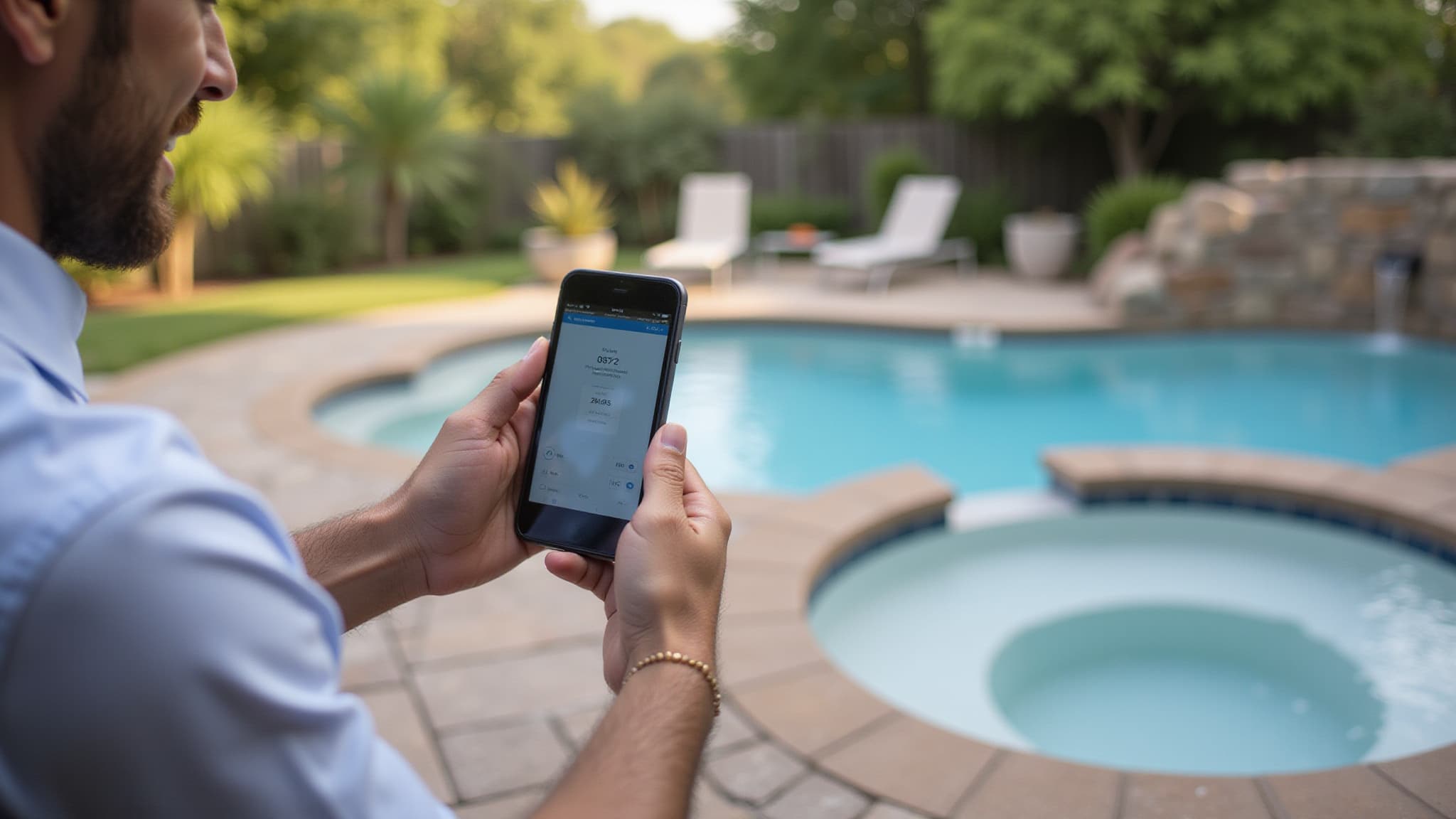
Before any voice command will work, each backyard device must be registered in your chosen platform’s app, Google Home, Apple Home, or Alexa. Google Home requires device discovery via “Sync my devices,” while Apple Voice Control needs iOS 13+ configured through Settings > Accessibility. Avoid syncing multiple devices simultaneously to prevent timeout errors. Once devices are registered, you can create automated scenes that initiate multiple backyard actions, like lighting, music, and spa controls, with a single voice command.
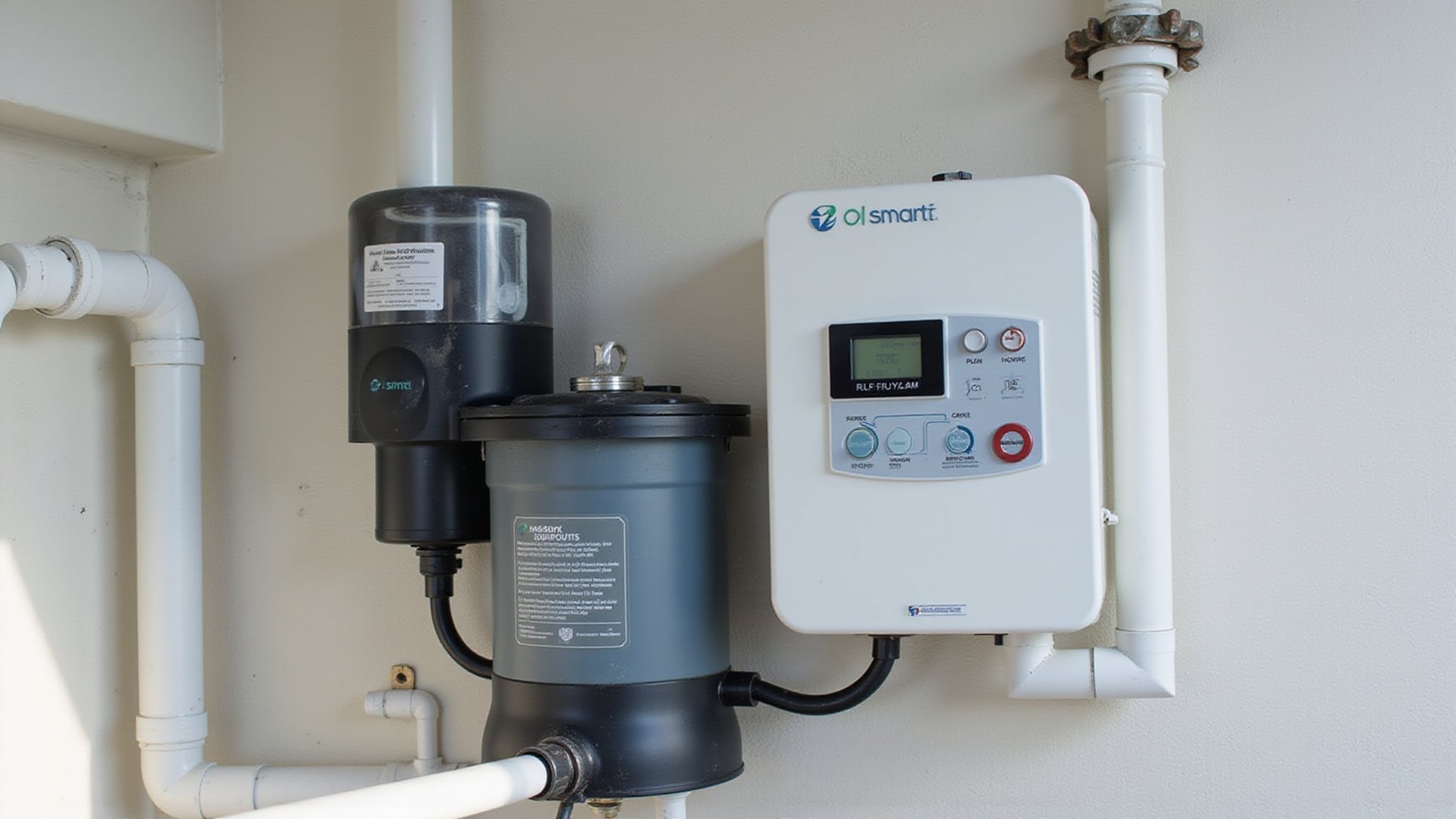
- Configure a voice activated pool heater by linking the manufacturer’s app to your smart home hub, then assigning it to a backyard room or zone for precise command routing.
- Set up homekit outdoor automation by grouping landscape lights, spa controls, and audio zones into scenes triggered by a single Siri command.
- Name every device clearly, specific names like “patio speaker” or “pool light” eliminate command interpretation errors across all three platforms.
Build Backyard Automations With Routines and Scenes
Alexa routines use schedule triggers, device state changes, or voice phrases to launch sequenced actions across grouped accessories. You can configure condition-based limits so automations run only during specific windows, evenings, weekends, or sunset hours. Activity-based scene design preserves your preferred device states, preventing one routine from overriding another’s configuration.
Troubleshoot Outdoor Voice Control and Remote Access
Three common failure points, Wi‑Fi discovery, bridge sync, and platform interoperability, account for most outdoor voice-control issues. When Google Assistant can’t find your pool controller, verify both devices share the same Wi‑Fi network and re-run the device-add flow. For HomeKit, restart your modem first, internet-service changes are a known trigger for unresponsive accessories.
- Restart your router and re-pair unresponsive HomeKit accessories, removing and re-adding devices restores connections that simple reboots won’t fix.
- Re-import bridge devices into Google Home twice, not all switches appear on the first sync, breaking IFTTT routines tied to those endpoints.
- Use Home Assistant or Homey as a central bridge, you’ll expose devices across Alexa, HomeKit, and Google Home without relying on native cross-platform support.
Call Today and Take Control of Your Outdoor Space
From pool automation to smart lighting and audio zones, the right control system makes outdoor living effortless and elegant. At Innovative Outdoor Living, our skilled team delivers reliable SMART Backyard & Pool Control Systems built around modern luxury and seamless functionality. Call +1 (561) 594-1495 today and turn your backyard into a smart oasis.
Frequently Asked Questions
Can Voice Assistants Control Pool Chemical Dosing Systems Automatically?
Yes, you can trigger pool chemical dosing through voice assistants, but they don’t control the chemistry directly. Your Alexa, Google Home, or HomeKit device sends commands to a compatible pool automation platform, like Pentair’s IntelliChem, which handles the actual dosing based on real-time pH and ORP sensor readings. The controller enforces safety limits, maximum daily dosing amounts, and circulation-dependent shutoffs. Voice acts as your interface; the automation logic manages the chemistry.
Does Voice Control Work During Power Outages With Battery Backup?
Voice control can work during outages only if you’ve backed up your router, modem, smart hub, and voice assistant on a UPS or battery system. You’ll need both power and internet connectivity, losing either breaks cloud-based processing. Even with your network running, individual devices like pool pumps or landscape lights won’t respond unless they’re also on backup power. For full continuity, you should back up every link in the control chain.
Can Guests Use Voice Commands Without Accessing My Smart Home Account?
Yes, guests can issue voice commands without accessing your smart home account. Alexa, Google Home, and Apple HomeKit all separate voice operation from admin-level access, guests simply use the wake word on your configured speaker to trigger linked devices. They won’t see account credentials, device settings, or automation configurations. You’ll retain full control over device pairing, permissions, and room assignments, while guests operate only the actions you’ve already exposed through your setup.
How Does Extreme Heat or Cold Affect Outdoor Smart Device Performance?
Extreme heat above 95°F causes your outdoor smart devices to throttle performance, delay voice commands, or shut down entirely to prevent damage. Cold weather drains lithium-ion batteries faster and makes touchscreens less responsive. Rapid temperature swings create condensation that risks internal corrosion. You’ll get better reliability by mounting devices in shaded, ventilated locations and avoiding direct sun exposure. These environmental factors directly impact your voice-control system’s responsiveness and uptime.
Will Voice-Controlled Backyard Devices Increase My Home Insurance Rates?
Voice-controlled backyard devices won’t increase your home insurance rates. Insurers evaluate the device’s risk-reduction capability, not the voice interface. You can actually earn protective device discounts, typically 5% to 20%, by integrating outdoor cameras, smart locks, and motion-activated lighting into a professionally monitored system. Convenience-only devices like smart plugs won’t qualify. You should check your carrier’s specific eligibility requirements and document your installation to maximize discount potential.