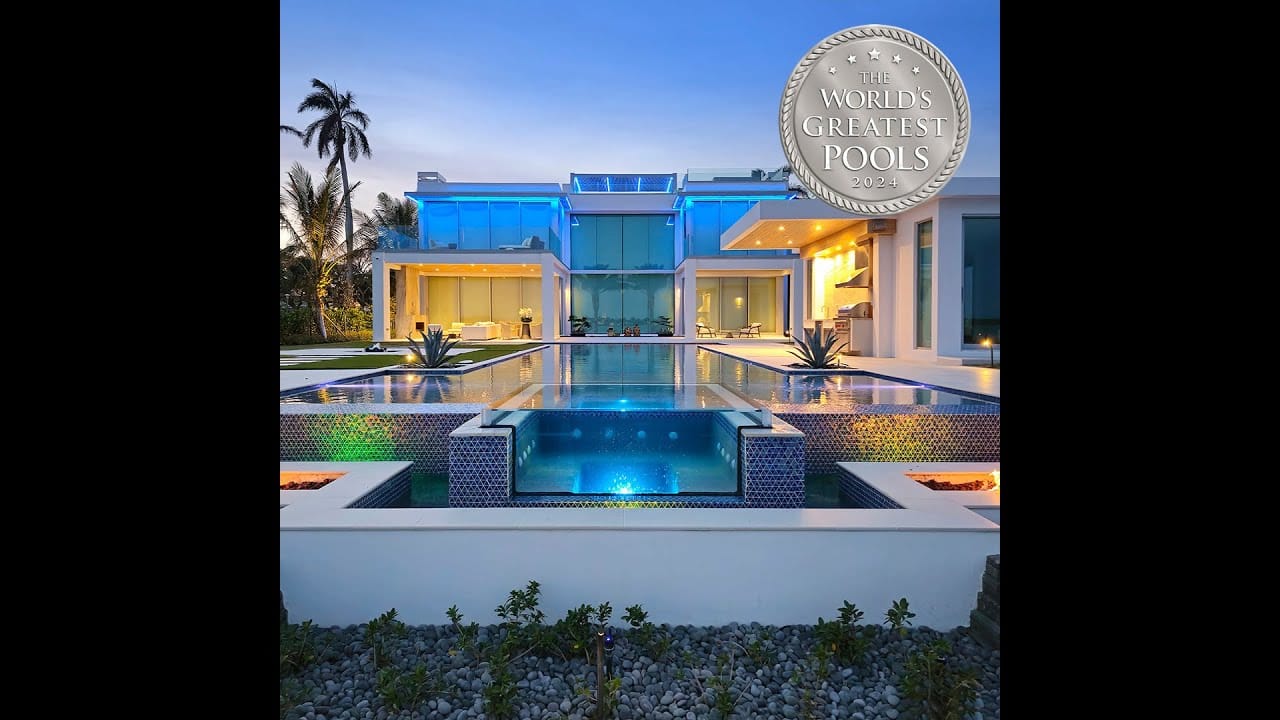
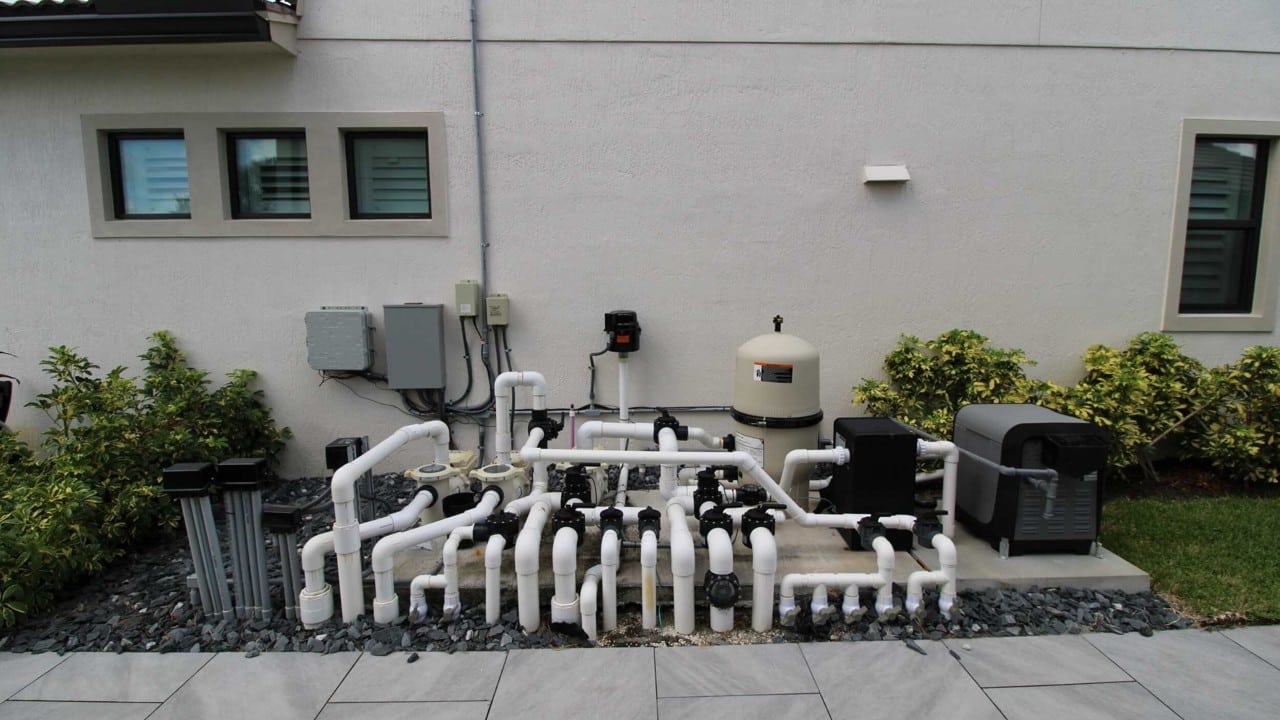
Smart backyard automation lets you unify pool equipment, landscape lighting, irrigation, and audio under one app or control surface, replacing standalone timers with condition-driven logic. You’ll select a platform that supports Wi-Fi, Zigbee, or Matter, map your outdoor power circuits, and wire low-voltage and high-voltage runs on separate paths. From there, you’ll build scenes and schedules triggered by sensors, weather data, and motion. The sections below cover every layer of that system.
What Smart Backyard Automation Actually Does
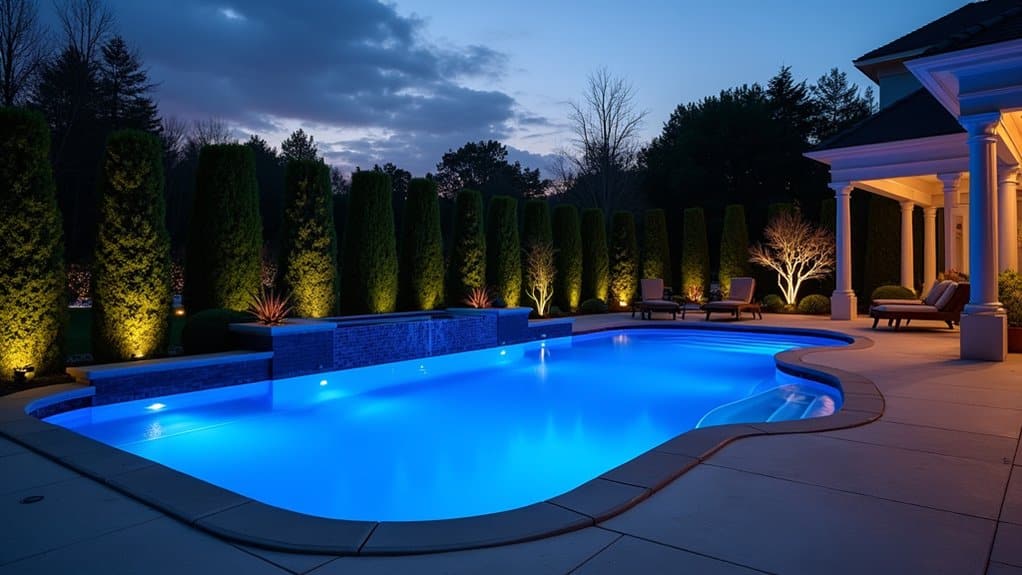
Smart backyard automation consolidates control of your pool equipment, outdoor lighting, irrigation, and audio into a single connected system. Instead of managing separate timers, switches, and remotes, you’re operating everything through one app or interface. This means adjusting pool pumps, heaters, lighting scenes, and sprinkler schedules from your phone, whether you’re on the patio or offsite.
The system ties actions to schedules, scenes, and sensor data. You can trigger evening pool lights alongside water features, shift irrigation based on soil moisture readings, or automate filtration cycles without manual intervention. Smart backyard automation replaces fixed routines with condition-based logic, improving precision across every outdoor subsystem. The result is fewer manual adjustments, tighter energy and water efficiency, and a streamlined control experience across your entire outdoor environment. Many of these systems also integrate with voice control platforms within broader smart home ecosystems, allowing hands-free operation of outdoor devices alongside indoor automation.
Pick the Right Platform for Your Backyard
You’ll want a platform that fits your existing devices and supports the protocols your outdoor equipment requires. Evaluate each platform’s app for scheduling, scene management, and remote access across pool, lighting, and audio zones. Confirm it handles Wi-Fi, Zigbee, or Z-Wave so you can mix controllers, sensors, and accessories without compatibility issues. The best platforms offer low-code visual builders that let you design automations through drag-and-drop interfaces without writing custom scripts.
Ecosystem Compatibility Matters
Before you buy a single outdoor device, the platform you build around determines what works together, and what doesn’t. Ecosystem compatibility isn’t just about brand preference, it’s the guardrail against device lock-in and integration gaps across your backyard system.
A device can carry platform certification without being broadly interoperable. That distinction matters when you’re mixing pool controllers, landscape lighting, and irrigation sensors from different manufacturers. Certification only confirms a device passed a specific test suite, so it does not ensure ongoing compatibility after either the hub or device receives a firmware update.
To evaluate ecosystem compatibility before purchasing:
- Confirm protocol support, verify your hub natively handles Wi-Fi, Zigbee, Z-Wave, Thread, or Matter without requiring extra bridges.
- Prioritize Matter-certified devices, they reduce cross-platform fragmentation across Alexa, Google Home, and HomeKit.
- Test local processing fallback, disable cloud connectivity and confirm your outdoor automations still execute reliably.
Evaluate App Controls
How effectively your backyard app performs depends less on its interface design and more on how many systems it actually unifies under one control layer. When your smart pool automation, lighting, irrigation, and audio each require separate vendor apps, you’re managing four interfaces for one outdoor space. Prioritize platforms that consolidate schedules, scenes, and status checks into a single dashboard.
Beyond basic on/off toggles, evaluate automation depth. Your platform should support conditional logic, multiple triggers, and nested actions, like activating a coordinated lighting and pool scene when a gate opens at sunset. Remote access with real-time device status is equally critical; you need confirmation that commands executed, not just that they were sent. Scene and schedule support reduces daily friction by bundling recurring outdoor routines into single-tap or time-based actions.
Plan Wireless Protocol
Because every backyard device communicates over a specific wireless protocol, choosing the right mix of protocols determines whether your automation system runs reliably or drops connections at the worst time.
- Use Wi-Fi for high-bandwidth devices. Cameras and video-capable equipment need Wi-Fi’s throughput (up to 1 Gbps). Extend coverage with a Wi-Fi mesh network to eliminate dead spots across your yard.
- Deploy Zigbee or Z-Wave for low-power devices. Zigbee’s 250 kbps mesh handles lighting clusters and battery sensors efficiently with AES-128 encryption. Z-Wave’s sub-GHz band delivers stronger wall penetration and 30, 100 meter range for larger properties.
- Adopt Thread plus Matter for future-proof interoperability. Thread’s IPv6 mesh with Matter’s cross-brand compatibility gives you local control, end-to-end encryption, and protocol flexibility without vendor lock-in.
Set Up Reliable Wi-Fi Across Your Yard
Every smart backyard device, pool controllers, cameras, irrigation timers, audio zones, depends on stable Wi-Fi, so your network infrastructure is the foundation you’ll want to get right first. A mesh system with satellites positioned for overlapping coverage eliminates dead spots across patios, pool decks, and garden zones. Place nodes at elevation with clear line-of-sight to maximize range.
For permanent installations, outdoor-rated access points and extenders like the TP-Link EAP225-Outdoor provide the most reliable coverage. These weather-resistant units broadcast omnidirectionally and connect via wired Ethernet backhaul for consistent throughput. If you’re covering detached structures or distant property corners, CPE point-to-point links can beam signal across significant distances. Prioritize strategic placement near your highest-density device zones, speeds degrade through barriers and distance, so minimize both.
Plan Power and Wiring Before You Install
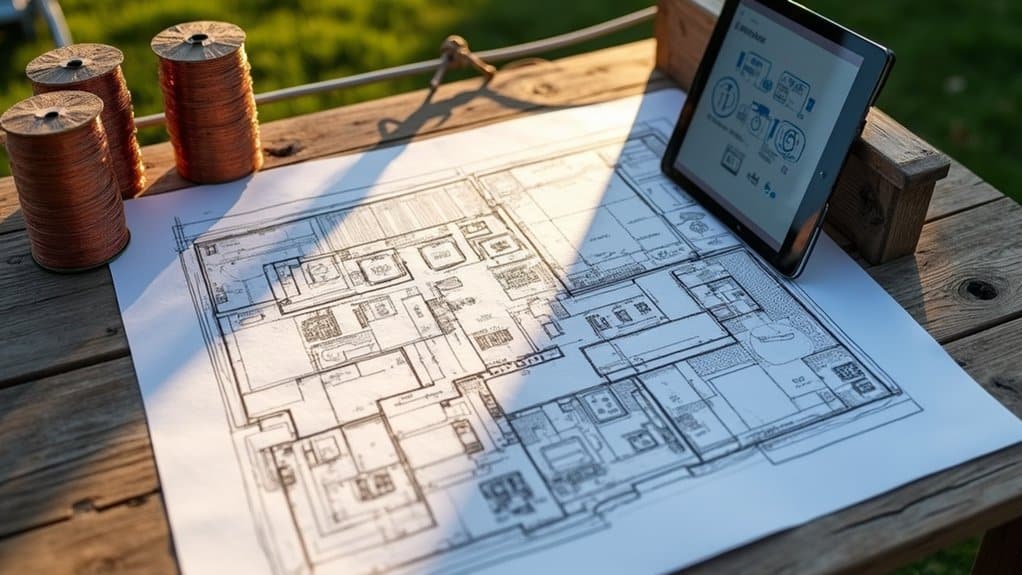
Before you install any automation hardware, you’ll need to map your outdoor power sources, choose proper wiring routes that separate high-voltage and low-voltage lines, and match each device’s power requirements to your panel’s available capacity. Start by documenting every outlet, junction box, and conduit path across your yard so you can identify gaps and plan dedicated circuits for pool equipment, lighting zones, and audio systems. Getting these details right upfront prevents overloaded breakers, signal interference, and costly retrofits once hardscape and landscaping are already in place.
Map Outdoor Power Sources
Most backyard automation projects fail at the power stage, not because the technology doesn’t work, but because the wiring layout wasn’t planned around the full set of outdoor loads. Before you install any automated outdoor living equipment, document every existing power source on your property.
Start by locating your main breaker panel, outdoor receptacles, junction boxes, and any hardwired equipment. Then determine which locations already have power and which need new feeds.
- Verify GFCI protection on all existing outdoor receptacles and confirm weather-resistant covers meet wet-location ratings.
- Check outdoor box ratings to guarantee current enclosures match code requirements for exposed installations.
- Identify interior wall exits or stub-outs that serve as reference points for routing new outdoor circuits.
This mapping prevents costly rework during installation.
Choose Proper Wiring Routes
Once your power sources are mapped, the next step is planning how each cable run travels from its origin to its endpoint. Route high-voltage power and low-voltage control lines along separate paths to reduce interference and protect sensitive devices. When crossings are unavoidable, plan them at perpendicular angles to minimize signal degradation.
Install conduit and chase paths before finishes go in. Extra conduits give your backyard automation systems room to expand with future cameras, lighting zones, or control modules. Label every run at both ends and keep panels organized, you’ll save significant time during troubleshooting and upgrades.
Choose paths that remain accessible for inspection and replacement. Shielded cabling supports cleaner signal delivery where electrical noise is a concern. Structured, well-documented routing reduces rework and keeps your system reliable long-term.
Match Device Power Needs
Every device in your backyard system draws a specific electrical load, so matching wire gauge, circuit rating, and voltage to each component’s actual demand is essential before any cable leaves the panel. Pair 20-amp circuits with 12-gauge conductors and 15-amp circuits with 14-gauge conductors to prevent overheating and nuisance trips.
For effective smart outdoor control, follow these load-matching steps:
- Calculate total wattage across pumps, lighting transformers, controllers, and audio equipment before sizing any circuit, don’t estimate from device count alone.
- Separate power and communication conductors using appropriate gauges (e.g., 18-gauge for power, 23-gauge for communication) to reduce interference.
- Group devices by function so pool equipment, lighting zones, and audio systems occupy dedicated circuits, improving reliability and simplifying maintenance.
Smart Pool Control: Apps, Scheduling, and Gear
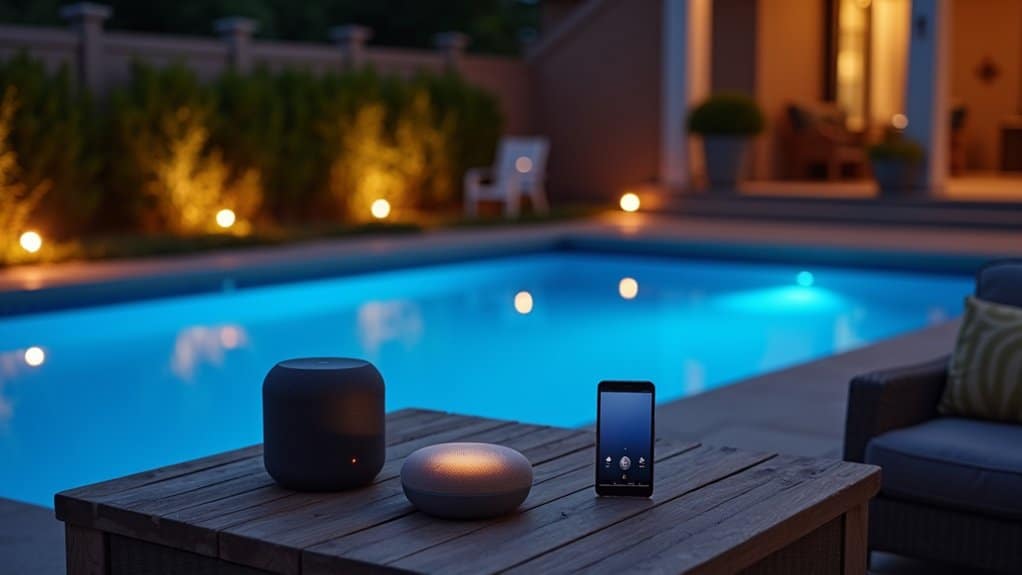
Because smart pool control now centers on app-based platforms, homeowners can manage pumps, heaters, lights, water features, and chemical balance from a single mobile dashboard. Pentair’s app connects directly to its hardware ecosystem, offering real-time status updates and centralized monitoring. iAquaLink delivers full automation through AquaLink TRi, supporting variable-speed pump control, pool cleaners, and lighting, all from Apple or Android devices.
Both platforms support scheduling, which reduces manual equipment checks and improves energy efficiency. You’ll control systems poolside or remotely, eliminating separate timers and switches.
For chemical management, apps like Pool Doctor guide adjustments to chlorine, pH, alkalinity, and calcium hardness. Pairing these maintenance tools with smart pool control hardware creates a unified system that covers both equipment operation and water-balance oversight.
Set Up Backyard Lighting That Runs Itself
Whether you’re lighting a walkway, driveway, or patio edge, automated backyard lighting eliminates manual switching by relying on schedules, sensors, or cloud-based controllers to handle on/off behavior. When paired with pool home automation, your lighting zones can sync with pool equipment for unified control through a single app or hub.
- Cloud-based landscape controllers manage low-voltage LED fixtures wirelessly, supporting remote scheduling and multi-zone coordination without proximity limitations like Bluetooth.
- Smart switches replace standard wall switches on indoor circuits tied to outdoor fixtures, enabling automation through compatible smart home platforms.
- Timers and creative scheduling let you program early-evening ambiance, late-night security lighting, and energy-saving shutoffs without constant app interaction.
Match your fixtures, transformers, and control method to your voltage requirements for reliable, long-term operation.
Smart Irrigation With Sensors and Valves
Smart irrigation systems use soil moisture sensors, flow monitors, and automated valves to apply water only when conditions demand it, eliminating the guesswork behind fixed schedules. You can integrate add-on SMS devices with existing controllers or deploy standalone smart valves that log flow data and trigger shutoffs on anomalies. Pairing these components with a platform like Pentair IntelliCenter lets you unify irrigation alongside pool and lighting control.
| Component | Function | Key Benefit |
|---|---|---|
| Soil Moisture Sensor | Measures root-zone moisture | Saves 15,000+ gallons/year |
| Flow Monitor | Tracks real-time water use | Detects leaks and valve failures |
| Smart Valve | Automates zone-level irrigation | Reduces water waste up to 30% |
| Wi-Fi Controller | Enables app-based scheduling | Remote access and scene integration |
| Alert System | Sends abnormal-flow notifications | Prevents costly infrastructure damage |
Connect Pool, Lights, and Irrigation Together
Once your pool equipment, outdoor lights, and irrigation valves each run on separate controllers, you’re managing three disconnected systems that can’t share schedules, scenes, or logic. A centralized platform eliminates this fragmentation by exposing all three device categories through one control layer.
Platforms like Hayward OmniLogic unify pumps, heaters, lighting, and auxiliary relays under a single mobile interface. You can extend this further by bridging irrigation controllers and landscape lighting through Z-Wave, Wi-Fi, or hub-based integration.
Unifying pool, lighting, and irrigation under one platform turns three disconnected systems into a single controllable ecosystem.
- Shared scheduling, Align pool filtration cycles, watering windows, and lighting activation to avoid overlap and reduce energy waste.
- Unified scenes, Trigger pool lights, patio fixtures, and irrigation shutoff with one command.
- Single-dashboard monitoring, View equipment states across all three systems without switching apps.
Automate Your Backyard by Weather and Motion
Most backyard lighting and irrigation systems run on fixed schedules that ignore what’s actually happening outside. By integrating motion sensors and weather-responsive triggers, you can automate your backyard based on real conditions rather than arbitrary timers.
PIR motion sensors detect infrared radiation and respond to heat changes when someone crosses the detection zone. Wireless, weather-resistant models cover up to 180° with detection ranges reaching approximately 59 feet. You’ll reduce false triggers by adjusting sensitivity thresholds to ignore small animals and positioning sensors away from windows.
Platforms like Jandy iAqualink let you layer motion-based lighting control alongside pool and irrigation automation. Pair Zigbee-compatible outdoor sensors with your existing system to trigger floodlights, pause sprinklers during storms, and override schedules remotely, all from one unified control interface.
Test and Fine-Tune Your Backyard Automation
Once your backyard automation is wired and programmed, you’ll want to run a full device-by-device test to confirm every pump, valve, light, and scene responds correctly before enabling scheduled operation. From there, adjust your irrigation zones, lighting offsets, and automation timings gradually so each system aligns with actual site conditions and household routines. As your setup stabilizes, monitor performance metrics, sensor accuracy, and coverage uniformity to catch inefficiencies early and keep every component operating at its best.
Run Initial System Tests
Start by defining a baseline test set that targets your most critical backyard automation functions, pool pump activation, lighting scenes, irrigation schedules, and audio zone routing. Prioritize smoke tests that confirm core operations before expanding into regression coverage. Verify your Crestron processor, network switches, and field devices match your planned configuration.
- Execute simple test cases first, trigger individual zones, confirm relay states, and validate sensor feedback before running multi-system scenes.
- Run each test locally and through your control system’s scheduler to confirm repeatable behavior across execution methods.
- Log all results and flag anomalies, compare actual outputs against your documented requirements to identify coverage gaps.
Refine your test suite based on observed failures, then expand gradually once baseline checks prove stable and repeatable.
Adjust Schedules Gradually
After your initial system tests confirm stable baseline operation, shift focus to schedule tuning, adjusting start times, run durations, and repeat patterns in small, controlled increments rather than sweeping changes. Modify one variable at a time, whether it’s a Rachio zone runtime, a Kasa sunset offset, or a Control4 lighting scene trigger, so you can isolate each change’s impact.
| Adjustment Type | Example |
|---|---|
| Timing Window | Shift irrigation start by 15-minute increments using sunrise offsets |
| Run Duration | Reduce zone watering by 2-minute steps until runoff stops |
Use temporary overrides to test modifications before committing permanent edits. Keep previous schedules disabled rather than deleted, this preserves your known-good baseline for direct comparison or rollback. Save every update immediately after confirming desired behavior.
Monitor And Optimize Performance
Because real-time dashboards only capture momentary snapshots, you’ll need trend analysis to detect hidden faults developing across your backyard systems. Comparing outdoor conditions against system responses confirms whether reset strategies for pool heaters, Lutron lighting scenes, and irrigation schedules function correctly. Continuous monitoring catches inefficiencies before equipment performance degrades.
To systematically optimize your backyard automation:
- Review alarm patterns weekly, prioritize critical alerts over nuisance notifications, routing actionable events to the right personnel so pool pump failures aren’t buried alongside minor lighting adjustments.
- Audit operator overrides monthly, identify “set and forget” bypasses that disable scheduled optimization across lighting, audio, and irrigation zones.
- Track energy submetering data, use granular consumption trends to verify whether automation changes actually reduce unnecessary equipment runtime and energy waste.
Call Today and Take Control of Your Outdoor Space
From pool automation to smart lighting and audio zones, the right control system makes outdoor living effortless and elegant. At Innovative Outdoor Living, our skilled team delivers reliable SMART Backyard & Pool Control Systems built around modern luxury and seamless functionality. Call +1 (561) 594-1495 today and turn your backyard into a smart oasis.
Frequently Asked Questions
How Much Does a Full Smart Backyard Automation System Typically Cost?
You’ll typically spend $1,000 to $3,000 for a mid-range smart backyard system covering irrigation, lighting, and app-based control. If you’re integrating pool equipment, audio zones, and whole-zone scene control, expect $2,000 to $8,000. Custom high-end installations with professional integration can exceed $10,000. Your final cost depends on device count, wiring complexity, labor rates, and whether you’re running DIY or hiring a certified integrator for system configuration.
Can Smart Backyard Systems Work Without a Monthly Subscription Fee?
Yes, you can run a smart backyard system without monthly fees. Choose hardware that supports local storage, free app control, and self-monitoring, brands like Eufy, Abode, and Wyze let you operate cameras, lighting, and automation without subscriptions. Abode’s free tier gives you full app control, HomeKit automation, and push notifications at $0/month. You’ll trade cloud AI features and professional monitoring, but core device functionality stays fully accessible.
How Long Do Outdoor Smart Devices Usually Last Before Needing Replacement?
Most outdoor smart devices last 3 to 7 years, though quality and conditions shift that range considerably. Smart plugs typically hold up 3 to 5 years, while LED lighting can exceed 10 years with proper heat management. You’ll extend replacement intervals by mounting devices in shaded, ventilated locations, keeping firmware current, and managing electrical loads below maximum ratings. Moisture, UV exposure, and dust are the primary factors that’ll shorten your hardware’s operational lifespan.
Are Smart Backyard Systems Safe to Use Around Children and Pets?
Yes, smart backyard systems can be safe around children and pets when you configure them properly. You’ll want to install pet-friendly motion sensors rated for your animal’s weight, secure all pool areas with four-sided fencing and auto-latching gates, and store chemicals beyond reach. Integrate door/window sensors, flood detectors, and smart lighting to improve visibility and monitoring. Your system’s safety ultimately depends on correct installation, routine inspections, and proper hazard-control protocols.
Do Smart Outdoor Devices Still Work During Internet or Power Outages?
Most smart outdoor devices lose remote control during internet outages and shut off entirely during power failures. You’ll retain local automation if your hub stores schedules on-device, and battery-backed locks, solar lights, and UPS-powered routers can keep critical functions running. Bluetooth control still works at close range without Wi-Fi. You should integrate manual overrides, battery backups, and hybrid solar setups to maintain essential backyard operations when connectivity or power drops.