You can automate your pool pump and heater with a timer, a 240V contactor driven by a smart relay, or a Wi-Fi controller wired safely at the equipment pad. Start at the breaker, kill power, and verify it’s off with a voltmeter before wiring. Mount your hub in a waterproof, outdoor-rated enclosure in a dry spot, then program filtration and heating schedules. There’s more to picking the right system below.
Key Takeaways
- Choose a simple control method for your pump, such as a timer, 240V contactor with smart plug, or solid-state relay.
- Integrate the heater using a fireman’s switch or low-voltage control circuit, confirming compatibility with gas, electric, or solar types.
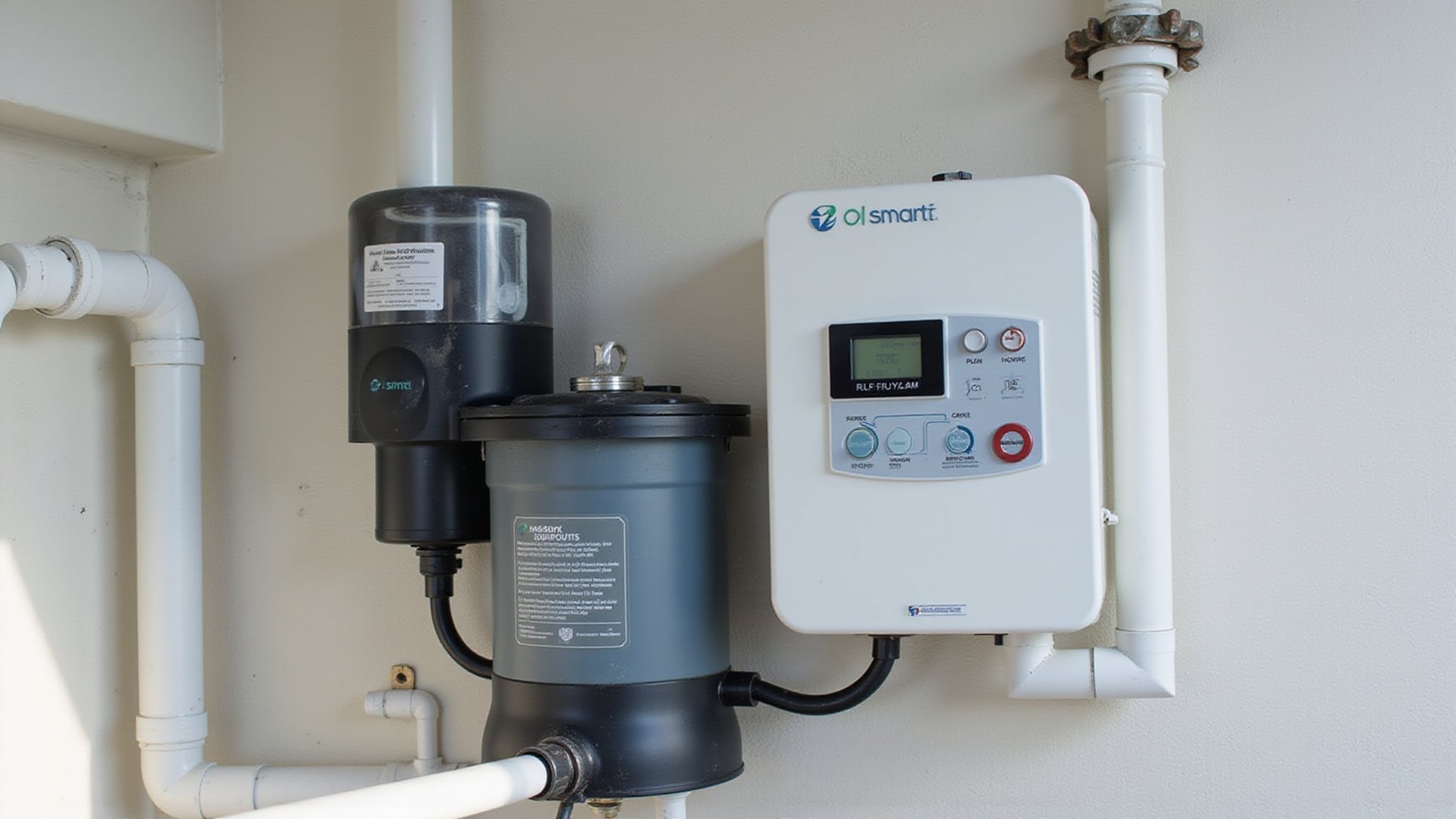
- Mount a central control hub in a waterproof, outdoor-rated enclosure placed in a dry, protected spot near the pad.
- Always shut off power at the breaker and verify with a voltmeter before wiring any equipment.
- Automate schedules for filtration and heating to cut energy costs, reduce equipment wear, and improve safety.
How do automate your pool pump and heater
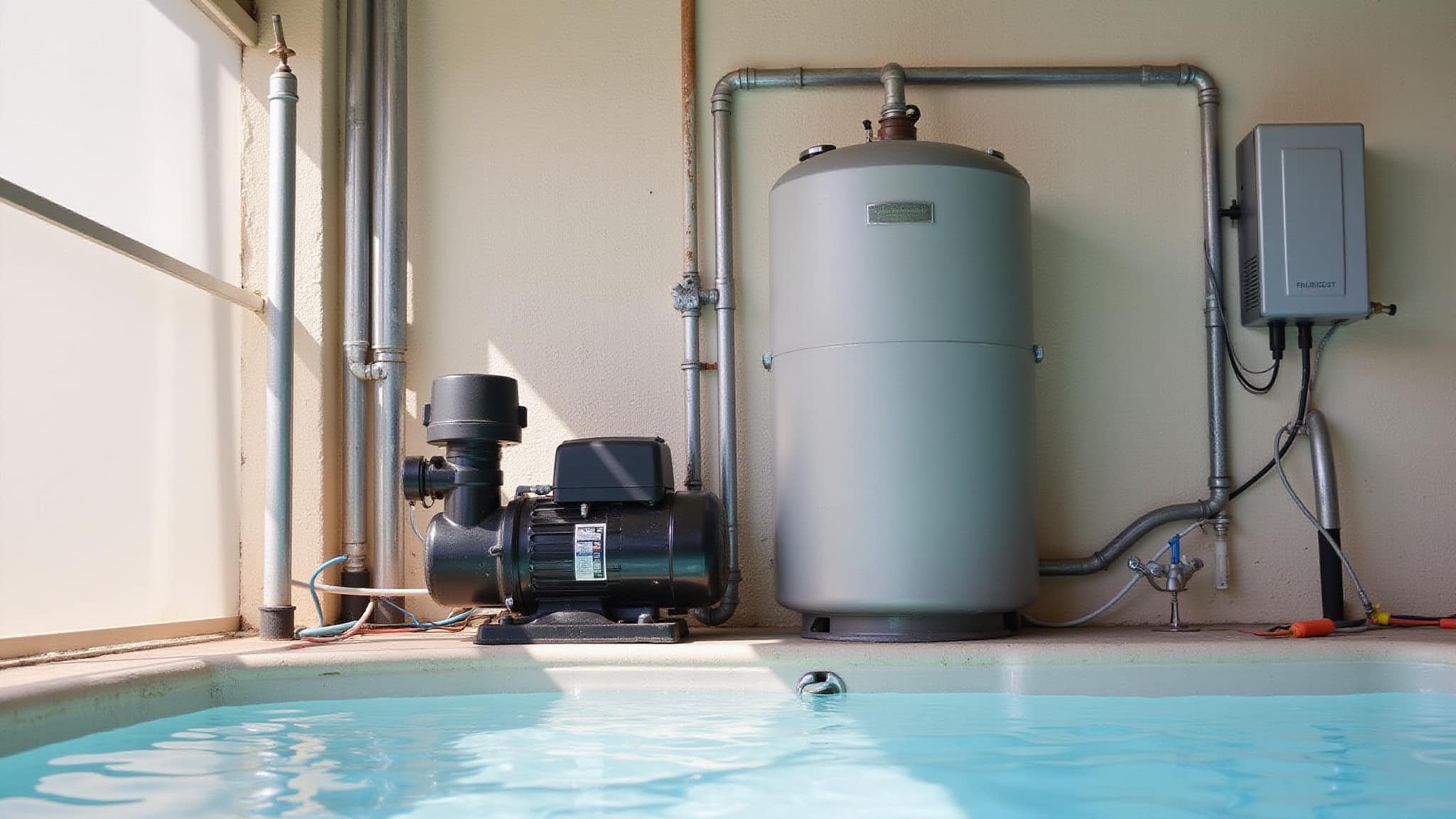
To automate your pool pump, you’ve got options: a simple timer between the breaker and pump, a 240V contactor driven by a smart relay, or a solid-state relay matched to the load and paired with a heatsink. Start by inventorying what you’re working with, typically the pump, filter, sanitizer, cleaner, heater, lights, and any water features. For pool heater automation, check your heater type first, gas, electric, or solar, since many integrations use a fireman’s switch in the wiring diagram. Connect the controller to an automation panel for centralized scheduling. For smart pool control, place a Wi-Fi unit in a dry, protected spot within range, then always kill power at the breaker before wiring.
Why automate your pool pump and heater
Automating your pool pump and heater simplifies control and improves convenience across your entire pool system. When you set up pool pump automation, you gain scheduled filtration cycles that run without manual intervention, reducing wear and cutting energy costs. Automated pool equipment lets you coordinate the pump, heater, and accessories from a single interface, so you’re not toggling breakers or timers by hand.
Pool automation coordinates your pump, heater, and accessories from one interface, scheduling filtration cycles that cut energy costs and reduce equipment wear.
- Schedule filtration and heating around usage patterns and weather, avoiding wasted runtime.
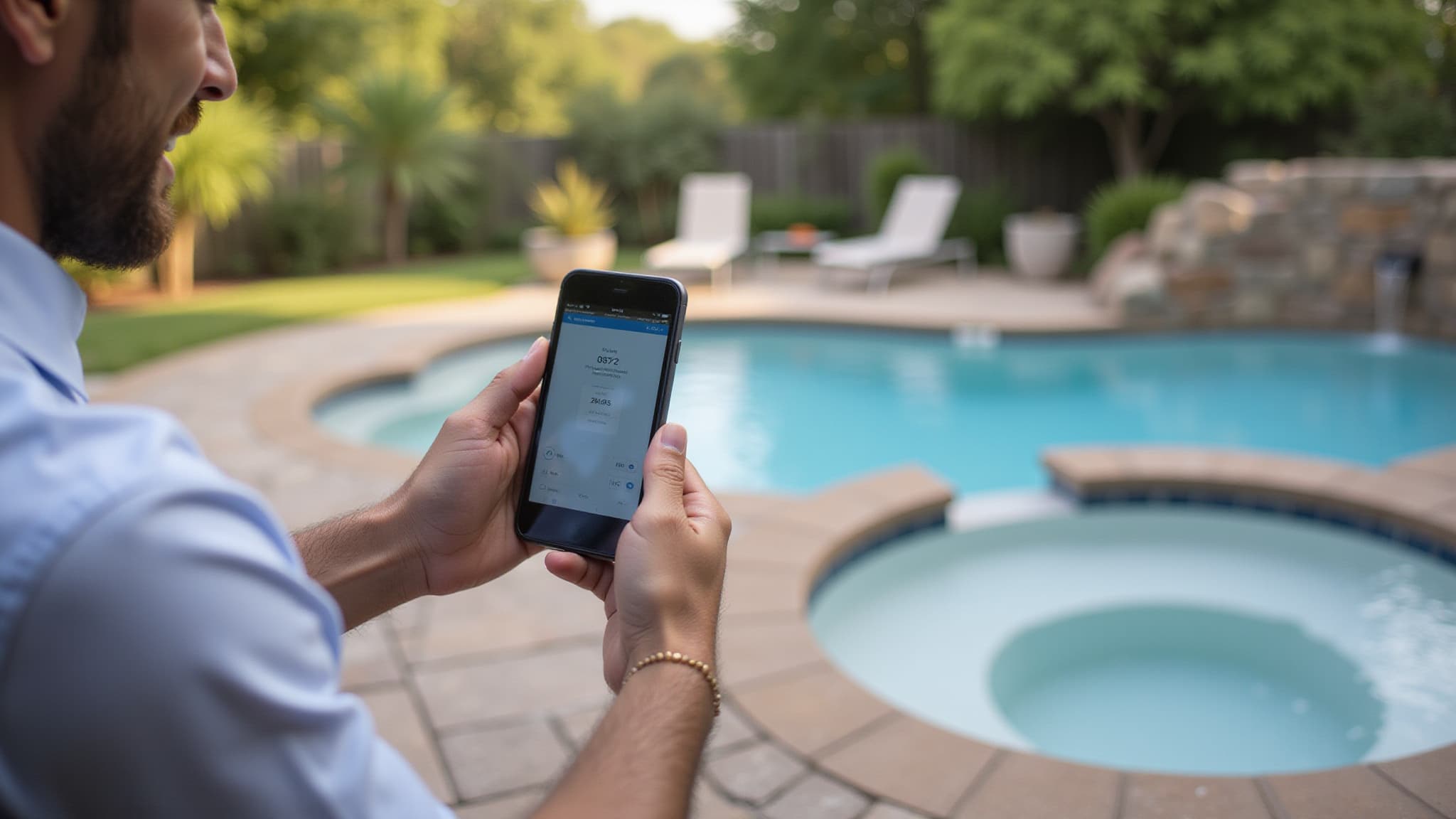
- Control your pump and heater remotely through a smartphone or tablet within Wi-Fi range.
- Replace older single-speed pumps with variable-speed models for significant energy savings.
You’ll also improve safety, since properly configured controls reduce the need to work near live circuits after installation and calibration are complete.
How does pool pump and heater automation work
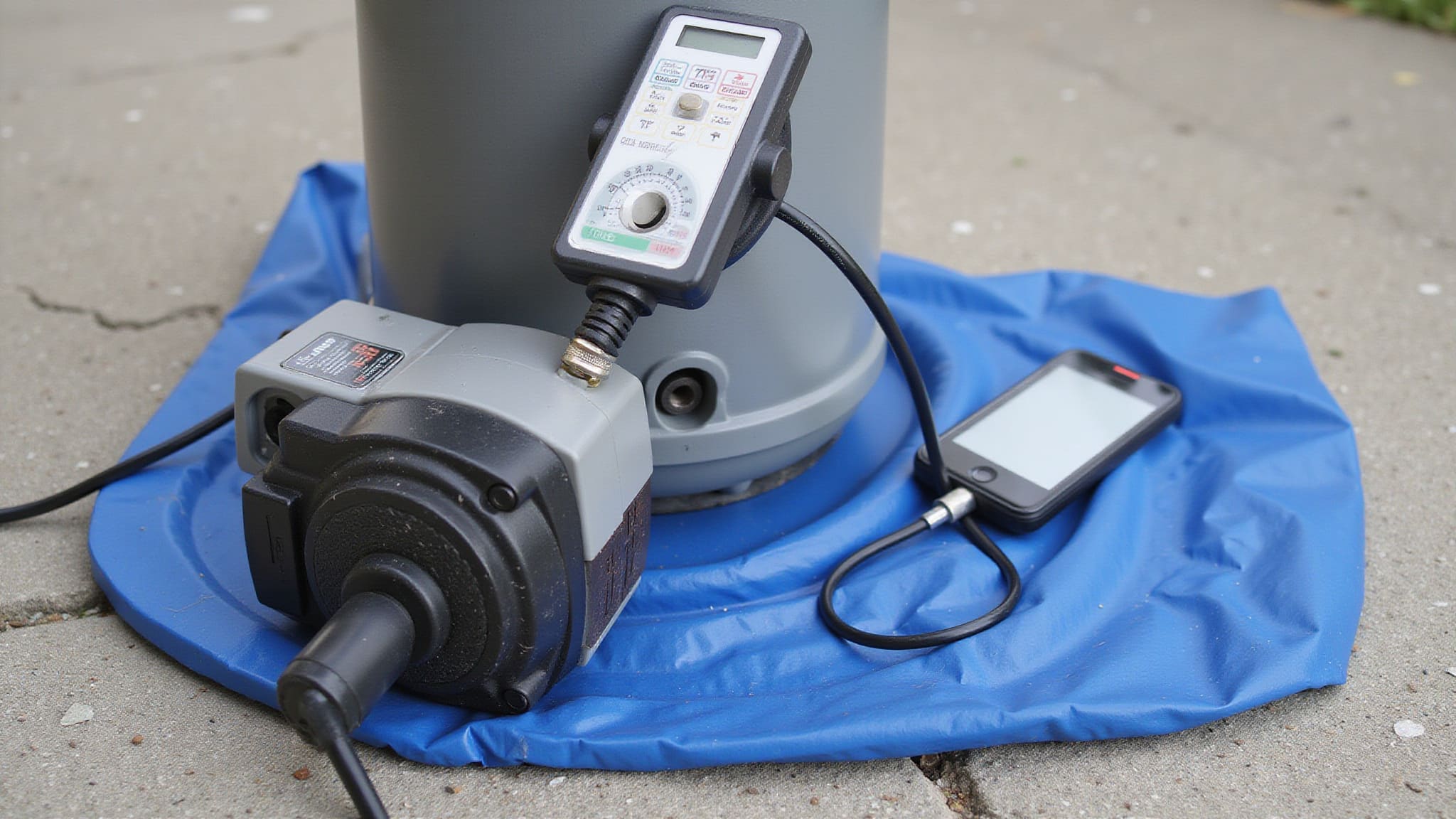
Pool pump and heater automation works through a central control hub, which links your pump, heater, and accessories for unified management. Your pump connects through a timer, a 240V contactor driven by a smart plug, or a solid-state relay matched to the pump load with a heatsink. Variable-speed pumps simplify this, since you can schedule and adjust filtration electronically. Your heater ties in through a fireman’s switch or low-voltage control circuit, wired to the automation panel for centralized scheduling. Compatibility depends on whether you’re running gas, electric, or solar. Wi-Fi connectivity lets you control everything remotely through your smartphone or tablet, using platforms like Pentair Home, Hayward OmniLogic, or Jandy iAquaLink. For reliable operation, keep at least 3 Mbps upload and download speeds near the pad.
What equipment do you need to automate them
To automate your pool equipment, you’ll need a central control hub plus controls or switches for each device you’re automating. Take inventory of your existing equipment, your pump, filter, heater, and accessories, so you know exactly what you’re connecting.
For the pump, you can use a pool timer, a 240V contactor driven by a smart plug, or a solid-state relay matched to the load and paired with a heatsink. For the heater, you’ll typically need a fireman’s switch or low-voltage control circuit, and you need to confirm compatibility with your gas, electric, or solar system.
Don’t overlook these essentials:
- A waterproof, outdoor-rated enclosure with a metal backplane for mounting and grounding
- Reliable Wi-Fi, at least 3 Mbps up and down, near the pad
- A voltmeter for verifying power’s off
How do you set up pool automation step by step
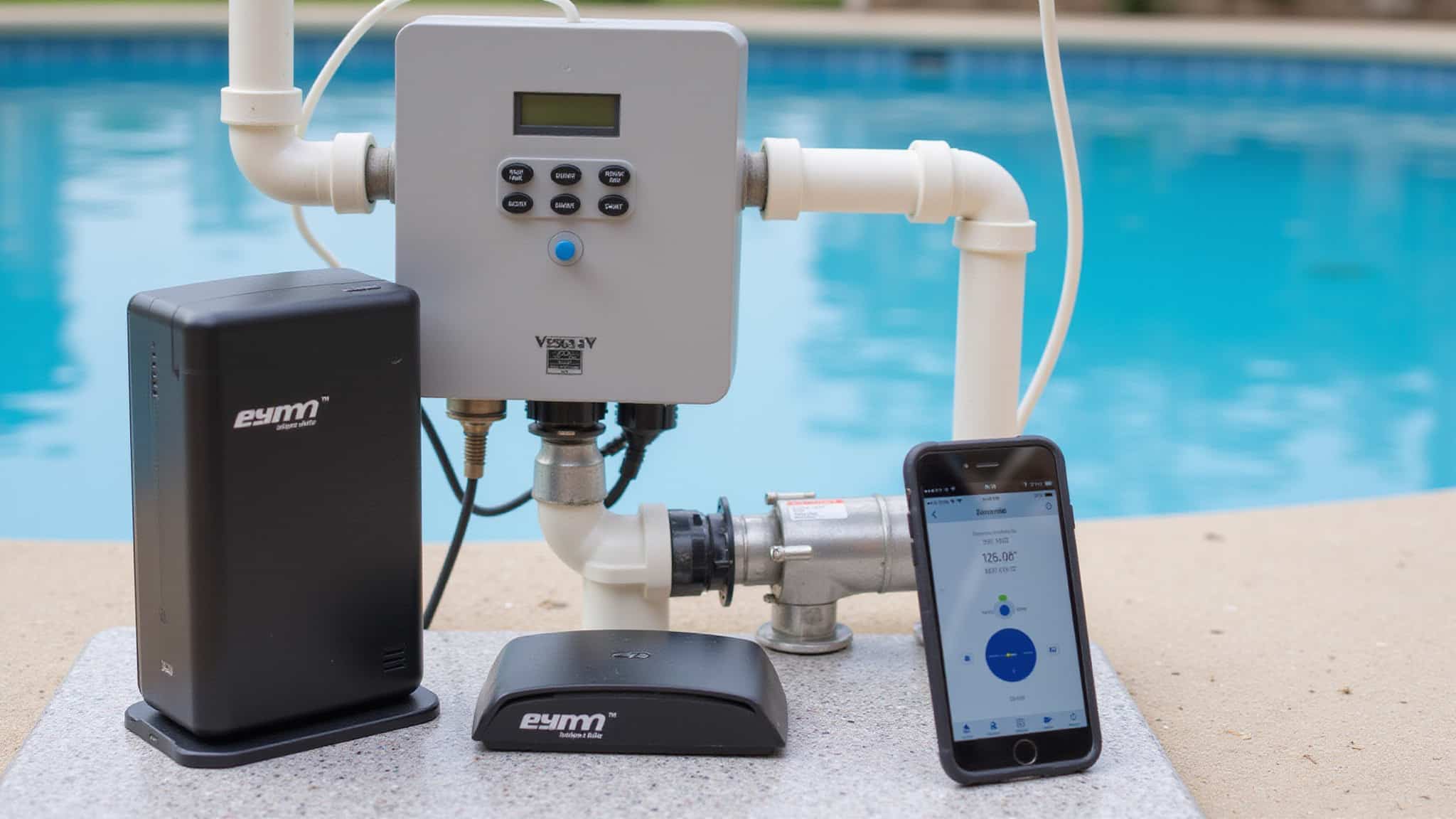
Set up pool automation by starting at the breaker: turn off power to the pump and heater, then verify it’s dead with a voltmeter before you touch a single wire. Mount your hub in a waterproof enclosure with a metal backplane for grounding, placing it in a dry, protected spot near the pad and within Wi-Fi range. Wire your controls or relays to each device, double-checking every connection against your diagram. Before energizing, run an ohm test to confirm there’s no direct short between source and ground. Restore power, then connect the hub to your app, Pentair Home, Hayward OmniLogic, or Jandy iAquaLink. Program schedules for filtration, heating, cleaning, and lighting around your usage patterns. Finally, run test cycles and calibrate to confirm everything operates correctly.
How much can automation save you
Automation can save you the most on your pump, since it draws the most power over time. When you replace an older single-speed pump with a variable-speed model, you can schedule filtration cycles electronically and cut energy use considerably. Automated scheduling lets you match filtration, heating, cleaning, and lighting to actual usage patterns instead of running equipment continuously.
| Equipment | Automation Method | Savings Driver |
|---|---|---|
| Pump | Variable-speed scheduling | Reduced runtime |
| Heater | Weather-based programming | Less overheating |
| Cleaner | Timed cycles | Shorter operation |
| Lights | Trigger-based control | Off when unused |
Program heating schedules around weather conditions, run test cycles after installation, and verify each device operates correctly before relying on your savings.
How do you choose the right automation system
Choose an automation system that matches your equipment and control needs. Start by inventorying what you’re automating, pump, filter, sanitizer, cleaner, heater, lights, and water features, then confirm compatibility with each device. Your heater type matters most: verify whether gas, electric, or solar systems support the controller you’re considering.
Weigh these factors before committing:
- Ecosystem fit: Choose a pool-specific platform like Pentair Home, Hayward OmniLogic, or Jandy iAquaLink, or a general hub like SmartThings.
- Connectivity: Confirm at least 3 Mbps upload and download speeds near your pool pad.
- Control approach: Decide between a prebuilt panel or a DIY build using ESP8266, Raspberry Pi, or Arduino.
Match capability to your comfort level.
Conclusion
Automating a pool pump and heater turns daily equipment fiddling into a set-and-forget routine: schedules run the pump efficiently, the heater warms the water on cue, and everything can be adjusted from a phone. The payoff is lower energy use and a pool that is always ready, as long as the wiring is done safely. Innovative Outdoor Living installs and integrates pool automation the right way, so the equipment runs on smart schedules without the risk of DIY high-voltage work.
Automate Your Backyard the Smart Way
Smart pool systems transform how you enjoy your backyard, giving you full control right from your phone. At Innovative Outdoor Living in Palm Beach Gardens, FL, our experienced team provides trusted Smart Backyard Pool Control Systems with expert setup and premium technology. Call +1 (561) 594-1495 today and start your smart backyard project.
Frequently Asked Questions
Can I Automate My Pool Pump and Heater Myself Without a Professional?
Some of it can be DIY. A pool timer between the breaker and pump, or a 240V contactor with a smart relay, automates the pump, while a fireman’s switch or low-voltage control circuit handles the heater. The essentials are switching off power at the breaker, confirming it with a voltmeter, checking for shorts before energising, and mounting everything in a waterproof enclosure with a grounded metal backplane. Because 240V work carries real risk, anyone unsure is better off having a licensed electrician handle it.
Is Pool Automation Safe During Storms or Power Outages?
Yes, when it is installed correctly. A waterproof enclosure and a grounded metal backplane provide protection during storms. Switching off power at the breaker and verifying with a voltmeter before any wiring is essential. During an outage the automation simply loses power until it is restored. An ohm test to confirm there is no direct short between source and ground helps prevent equipment damage or a safety hazard.
How Often Should I Maintain or Update My Automation System?
Running test cycles and recalibrating whenever scheduling looks irregular, after any equipment change, or seasonally as usage and weather shift keeps it dependable. Confirming the Wi-Fi stays in range and the control unit remains in a dry, protected spot matters too. Periodically inspecting wiring for damage, checking the waterproof enclosure, and updating the app or firmware keeps the pump and heater running safely and reliably.
Can Automation Work With My Existing Older Pool Equipment?
Yes, older equipment can usually be automated. A simple timer between the breaker and the pump, or a 240V contactor controlled by a smart plug, covers the pump. For the heater, checking compatibility with gas, electric, or solar first matters, since many integrations use a fireman’s switch. Switching off the breaker and verifying with a voltmeter before wiring is a must. Replacing a single-speed pump with a variable-speed model is also worth considering, since it pairs well with automation and cuts energy use.
What Happens to Schedules if My Wi-Fi Disconnects?
Schedules keep running even if the Wi-Fi drops, because they are stored locally on the control hub or timer rather than in the cloud. Remote access through a phone or tablet is lost, but the pump, heater, and other equipment still follow their programmed cycles, and app control returns once the connection does. For DIY builds using an ESP8266, Raspberry Pi, or Arduino, it is worth confirming the controller stores schedules onboard rather than remotely.